On this page
Introduction
A file hash is a fixed length value generated from the contents of a file. Hashes are commonly used as file checksums to compare data, detect changes, and verify file integrity.
FlagsDev File Hash Generator allows you to calculate hashes for files directly in your browser. You can select a file and generate hash values using multiple supported hashing algorithms without manually reading the file contents.
This guide explains what file hashing is, how to generate a file checksum, how to compare a hash with a known value, and how to choose an appropriate hashing algorithm.
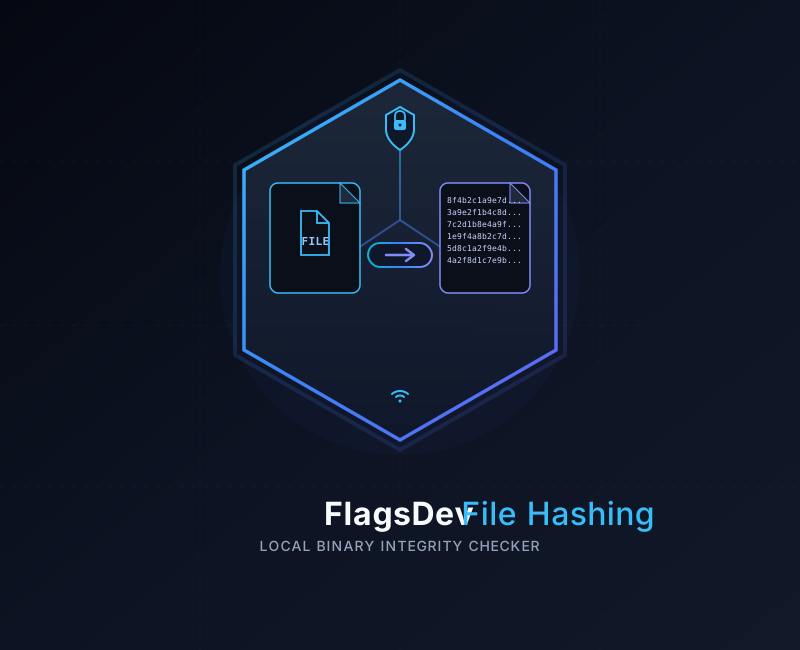
What is file hashing?
File hashing is the process of passing the contents of a file through a hash function to produce a deterministic hash value. The resulting value is often called a file hash, digest, or checksum.
The hash is calculated from the file's data rather than its filename. If the contents of a file change, its hash will normally change as well.
This makes hashes useful when you need to determine whether a file still matches a previously calculated value. For example, you can calculate the SHA-256 hash of a downloaded file and compare it with a SHA-256 checksum published by the software provider.
Input
File
Process
Hash Function
Output
File Hash
Supported hash algorithms
FlagsDev File Hash Generator supports several commonly encountered hashing algorithms. Each algorithm produces a hash with a specific digest size.
MD5 File Hash
MD5 produces a 128-bit digest, normally displayed as a 32-character hexadecimal value. MD5 is commonly encountered in older file checksum workflows, but it is not considered suitable for modern security-sensitive applications because collision attacks are known.
SHA-1 File Hash
SHA-1 produces a 160-bit digest, normally displayed as a 40-character hexadecimal value. SHA-1 has known collision weaknesses and should not be selected for new security-sensitive applications.
SHA-256 File Hash
SHA-256 produces a 256-bit digest, normally displayed as a 64-character hexadecimal value. It is widely used for file integrity checks, software downloads, digital assets, and other modern cryptographic workflows.
SHA-384 File Hash
SHA-384 produces a 384-bit digest, normally displayed as a 96-character hexadecimal value. It is part of the SHA-2 family of cryptographic hash functions.
SHA-512 File Hash
SHA-512 produces a 512-bit digest, normally displayed as a 128-character hexadecimal value. It is part of the SHA-2 family and can be used when a larger cryptographic digest is required.
SHA-3 File Hash
SHA-3 is a family of cryptographic hash functions standardized by NIST. FlagsDev currently generates a SHA3-256 digest for file hashing.
Choose modern algorithms for security-sensitive use
How to hash a file
Follow these steps to generate a file hash using the FlagsDev File Hash Generator.
Open the File Hash Generator
Open the File Hash Generator.
The hashing interface allows you to select a file and calculate its hash values.
Select a file
Choose the file you want to hash from your device.
The filename itself does not determine the hash. The hash is calculated from the contents of the selected file.
Generate the file hashes
Start the hashing operation after selecting your file.
FlagsDev reads the file data in your browser and calculates the supported hash values.
Review the hash values
Review the generated MD5, SHA-1, SHA-256, SHA-384, SHA-512, and SHA-3 values.
Select the hash algorithm required by the website, software project, documentation, or verification process you are working with.
Copy the required checksum
Copy the required file hash and compare it with the expected checksum when verifying file integrity.
Make sure the complete hash value is copied without accidental spaces or missing characters.
How to verify file integrity
A file checksum can be used to check whether the contents of a file match a previously known hash. This is commonly useful for downloaded software, backups, archives, datasets, and files transferred between systems.
Obtain the expected hash
Find the checksum published by the trusted source of the file. Make sure you know which hashing algorithm was used.
Generate a hash from your file
Select the downloaded or transferred file in the FlagsDev File Hash Generator and generate the same type of hash as the published checksum.
Compare the values
Compare your generated hash with the expected checksum. If the values are identical, the file data matches the data represented by that checksum.
Compare the complete hash
Understanding hash output
File hashes are commonly displayed as lowercase hexadecimal strings. The output length depends on the selected algorithm.
Algorithm
MD5: 128 bits
SHA-1: 160 bits
SHA-256: 256 bits
SHA-384: 384 bits
SHA-512: 512 bits
SHA-3: 256-bit digest
Hexadecimal output
MD5: 32 characters
SHA-1: 40 characters
SHA-256: 64 characters
SHA-384: 96 characters
SHA-512: 128 characters
SHA-3: 64 characters
The same file contents produce the same hash when processed with the same algorithm. Changing even a small part of the file can produce a different hash.
The filename, extension, and location of a file do not normally become part of a standard file hash calculation. The hash is calculated from the file data itself.
Tips for file hashing
- Use the same hashing algorithm as the checksum you are comparing against.
- Compare the complete hash value rather than checking only a small portion of it.
- Keep the original or trusted checksum available when verifying a downloaded file.
- SHA-256 is a common choice when a modern cryptographic file hash is required.
- MD5 and SHA-1 may still appear in legacy documentation or download pages, but they should not be treated as modern collision-resistant choices.
- A matching checksum shows that the file data matches the expected hash, but the hash alone does not prove who created or published the file.
- Hashing is different from encryption. A file hash is not intended to be decoded back into the original file.
Privacy
Browser based file hashing
Local browser processing can be useful when working with private documents, software packages, archives, datasets, or other files that you do not want to send to an external processing service.
For the most accurate information about how data is handled, review the FlagsDev Privacy Policy.
Ready to hash a file?
Generate MD5, SHA-1, SHA-256, SHA-384, SHA-512, and SHA-3 file hashes directly in your browser with FlagsDev.
Open File Hash Generator